Leadr
Leadr feature reference.
Use this page as the live feature map for Leadr. It is organized around the real workflow: activate access, connect an account, choose an audience, configure the sequence, schedule outreach, optionally attach AI Studio video, and monitor results.
Workspace
Home, onboarding, and campaign health
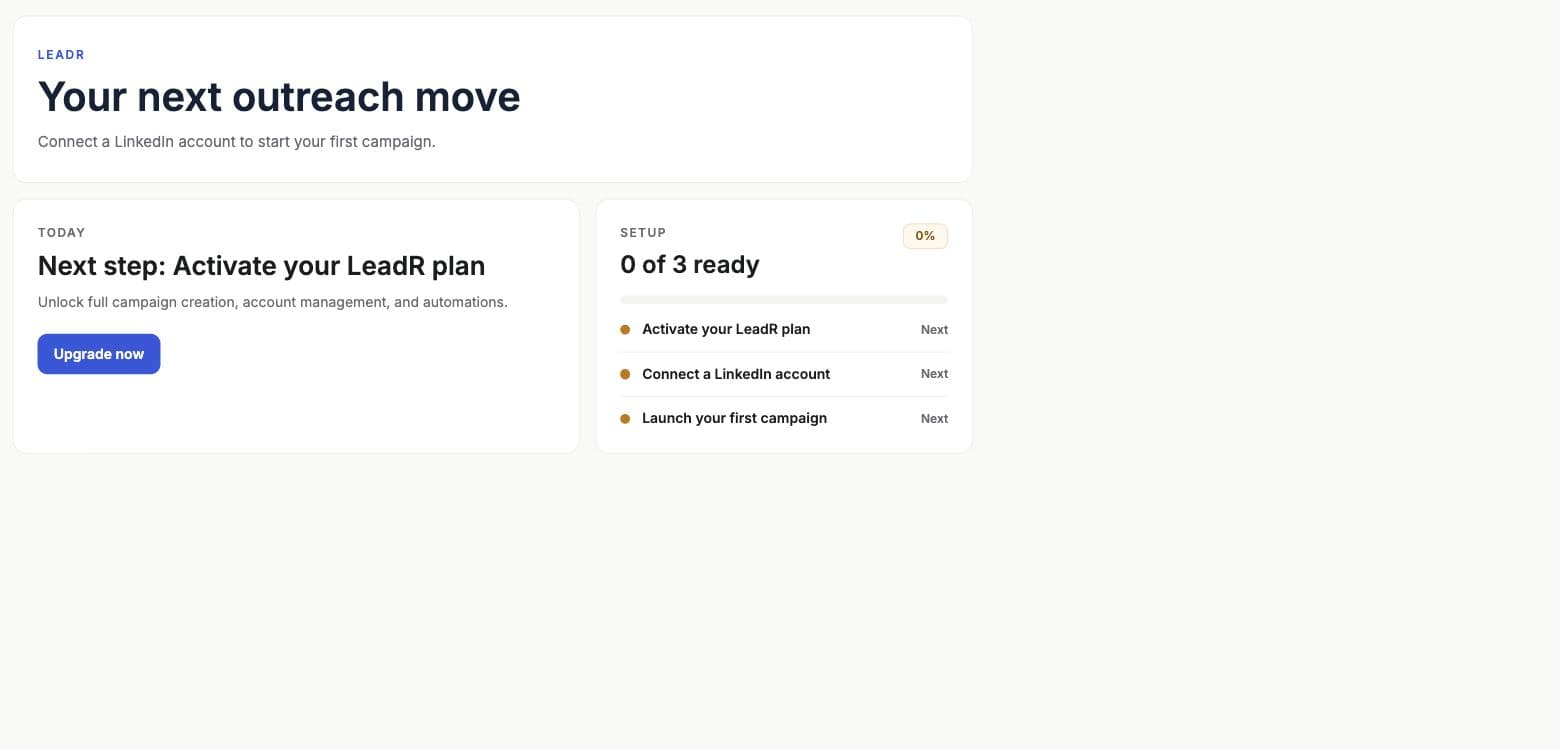
- Onboarding checklist
- Tracks plan access, connected account status, and first campaign creation. The state is stored locally and synced through the Leadr onboarding state endpoint.
- Plan access
- Leadr access is checked from the user's plan and add-ons. Subscription prompts are kept behind explicit upgrade actions so setup flows are not interrupted.
- Campaign health summary
- The home view pulls recent campaigns, active campaigns, status summaries, and latest lead activity after onboarding.
- Lead activity feed
- Recent result rows are summarized into stages such as matched, engaged, invite sent, message sent, waiting acceptance, skipped, and processing.
- Action inbox
- Surfaces operational next steps such as connecting an account, viewing campaigns, or resolving campaign issues.
Accounts
LinkedIn account connection and health
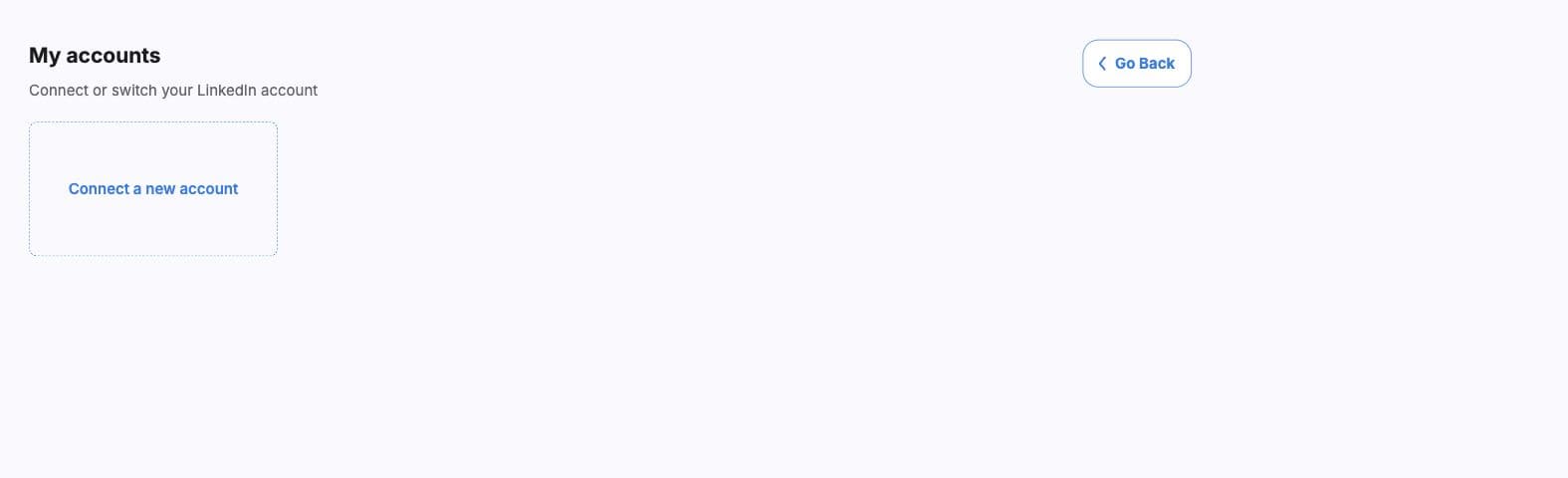
- Hosted account auth
- Leadr opens a hosted authorization link, records a pending connection, and returns users to the accounts surface when the account is added.
- Multi-account selection
- The campaign builder can launch one worker campaign per selected active account. Inactive accounts are skipped at launch.
- Account health states
- Operational states include OK, reconnected, sync success, running, and connected. Reconnect-required states include credentials, disconnected, auth required, and sleeping.
- Reconnect flow
- Accounts that need attention show reconnect actions. The worker also accepts account status webhooks and sends deduped reconnect emails.
- Delete and refresh
- Users can delete accounts, refresh the account list, and check again when status is still being verified.
Audiences
Audience sources
- LinkedIn search URL
- Use one fixed LinkedIn people search when the target audience is already known.
- Recent LinkedIn posts
- Watch recent posts for intent language or pain language, then trigger workflow steps when a post matches.
- Signal discovery
- Use a discovery prompt to look for hiring plans, open jobs, recent hires, tech stack, website signals, compliance, people, news, expansion, or custom signals.
- Advanced signal settings
- Post-based audiences can choose Web or Posts as the signal source. Discovery audiences can include a location hint and a 1-30 day lookback window.
- CSV upload
- CSV upload controls exist in the product, but campaign launch is currently blocked with a clear message because worker execution is not wired yet.
Current default
The current builder starts from signal discovery by default. Users can switch to a fixed LinkedIn search URL when they already have the exact audience.
Workflow
Sequence actions and workflow graph
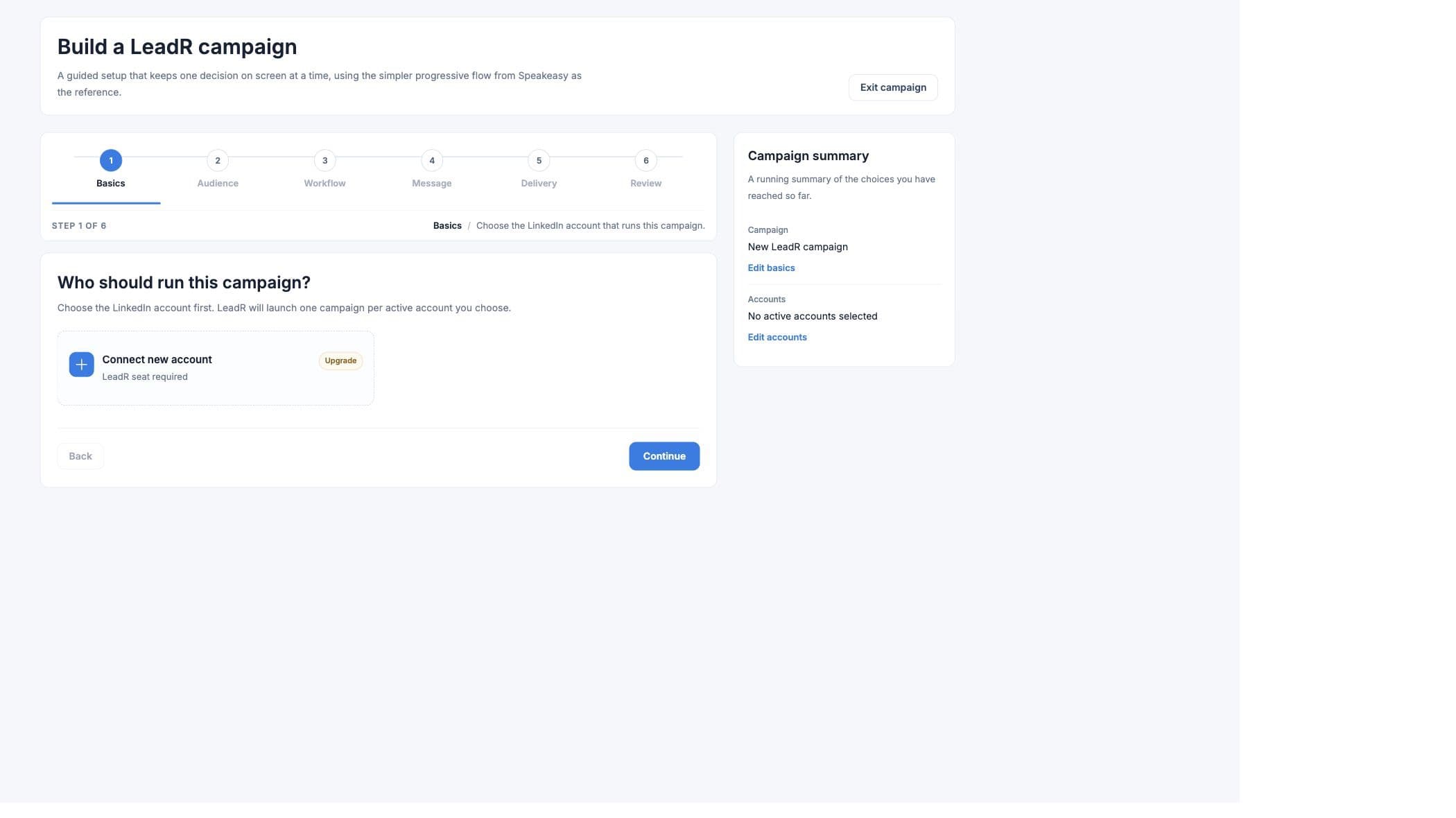
- Workflow presets
- Warm intro, Standard connect, Direct connect, and Message connected leads set common action sequences.
- Actions
- Supported workflow actions are comment, like, invite, message, and email. The builder exposes comment, like, invite, and message; email fallback is controlled through delivery settings.
- Comment modes
- Comment can run automatically or create drafts for approval when the comment action is enabled.
- Step spacing
- Advanced controls set spacing between actions from 5 to 720 minutes.
- Invite-to-message wait
- Follow-up messages can wait 1 to 168 hours after an invite, depending on the selected sequence.
- Workflow graph
- The worker validates graph edges, removes invalid or cyclic edges, computes reachable actions, and schedules child actions only after parent actions complete.
Messages
Message tools
- Draft message creates copy from the selected audience and account context.
- Message variables include first name, last name, city, and headline.
- Template options include professional introduction, hiring manager, business opportunity, and candidate outreach templates.
- Invite notes are limited to 200 characters, or 130 characters when personalized video is attached.
- Message-only workflows can use up to 500 characters.
- Users can send invites without a note and only message after acceptance.
- Light personalization can rephrase each note slightly per recipient.
Delivery
Pacing, schedule, and email fallback
- Pace presets
- Conservative uses 15 invites per week for free LinkedIn accounts. Recommended uses 20 invites per day. High volume uses 50 invites per day.
- Manual invite volume
- The delivery slider supports 10-75 invites. The launch guard rejects values outside 1-79.
- Active days and start time
- Users can choose weekdays, every day, individual days, and an hourly start time. The worker schedules the search two hours before the invite window.
- Email fallback
- Email fallback requires a verified Scale sender, subject, body, and an invite or connected-message step before it. Launch opens a confirmation dialog before starting.
- Email dry-run gate
- The worker keeps outreach email fallback in dry-run unless the production environment explicitly enables real sends.
Video
Personalized video in Leadr
- Choose video
- Users can attach an AI Studio template during the Delivery step when the campaign should include personalized video.
- Variable mapping
- Each AI Studio template segment maps to a Leadr field. Mappable LinkedIn fields include first name, last name, city, and headline.
- Default values
- Each video variable can include a fallback value when a lead does not provide the mapped field.
- Generation timing
- When video is attached, the worker can schedule video generation before the first invite or message action so the video URL is ready for outreach.
- AI Studio callback
- AI Studio posts generated video results back to the Leadr worker so result rows can expose generated video URLs.
Results
Campaign management and result states
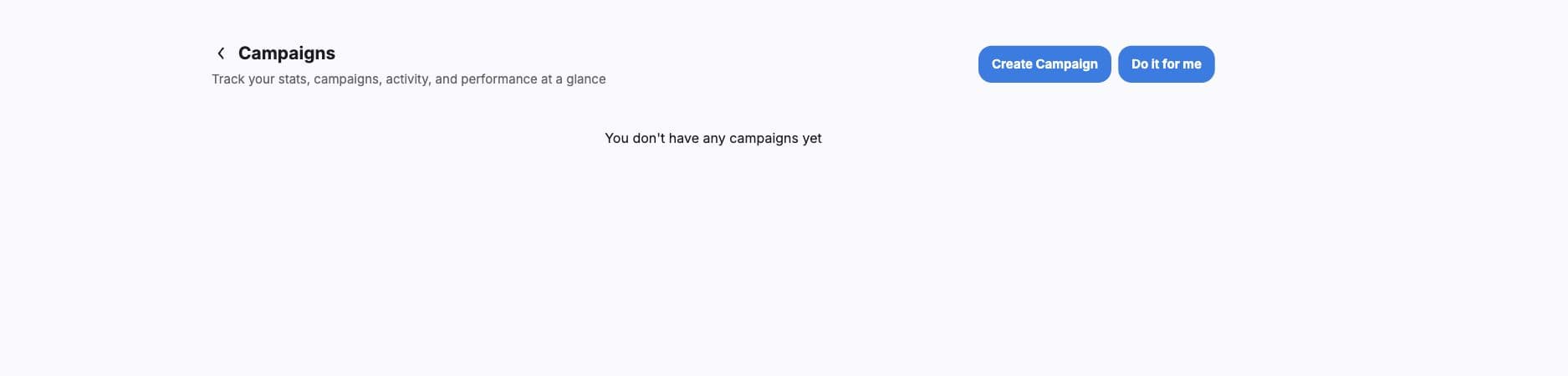
- Campaign list
- Campaigns can be searched, opened, resumed when paused, or deleted. The list shows audience type, campaign state, next run, and pace.
- Campaign states
- Visible states include running, scheduled, paused, finished, pending, and needs review when an error message exists.
- Summary counts
- Details include failed actions, invites/messages sent, waiting acceptance, queued or in progress, resolved leads, and videos generated.
- Result table
- Rows show lead name/profile link, status, workflow stage, generated video URL, search, and pagination.
- Stage labels
- Stages include signal matched/resolved/ready, comment draft ready, comment sent/skipped/failed, liked/skipped, invite sent/pending/skipped/failed, message sent/pending/failed, email sent/blocked/dry-run/no-contact/pending/skipped/suppressed/duplicate, generating video, and workflow running.
Automation
Worker and API-backed behavior
- Worker endpoints
- The Leadr worker handles hosted auth, account callbacks, account status, signal suggestions, campaign creation, campaign listing, campaign details, status counts, resume, delete, onboarding state, generated-video callbacks, and outreach unsubscribe.
- Scheduled tasks
- The worker runs search, video generation, invite, engagement, comment, like, invite follow-up, message, and email tasks.
- Account leases
- Campaigns acquire account connection leases while running and release them when campaigns are deleted.
- Recurring discovery
- Signal discovery campaigns can schedule recurring searches when more work remains or cursor data is present.
- Public API relation
- AI Studio exposes a Leadr pipeline endpoint for personalized video generation, while Leadr owns outreach account and campaign orchestration.