Shopify Recover
Recover abandoned carts with personalized video.
BHuman Recover connects Shopify to abandoned checkout recovery emails, generates product-aware video copy, provides install snippets, and tracks pending and recovered checkouts.
Purpose
What Recover does
- Abandoned checkout video
- Recover adds a video recovery experience to abandoned checkout emails.
- Product facts
- Recover can generate product-aware facts and scripts from Shopify checkout and product context.
- Snippet
- The app provides a Shopify email snippet that can be pasted into abandoned checkout notifications or automations.
- Recovery page
- The recovery destination can show a personalized video and route the shopper back to checkout.
Connect
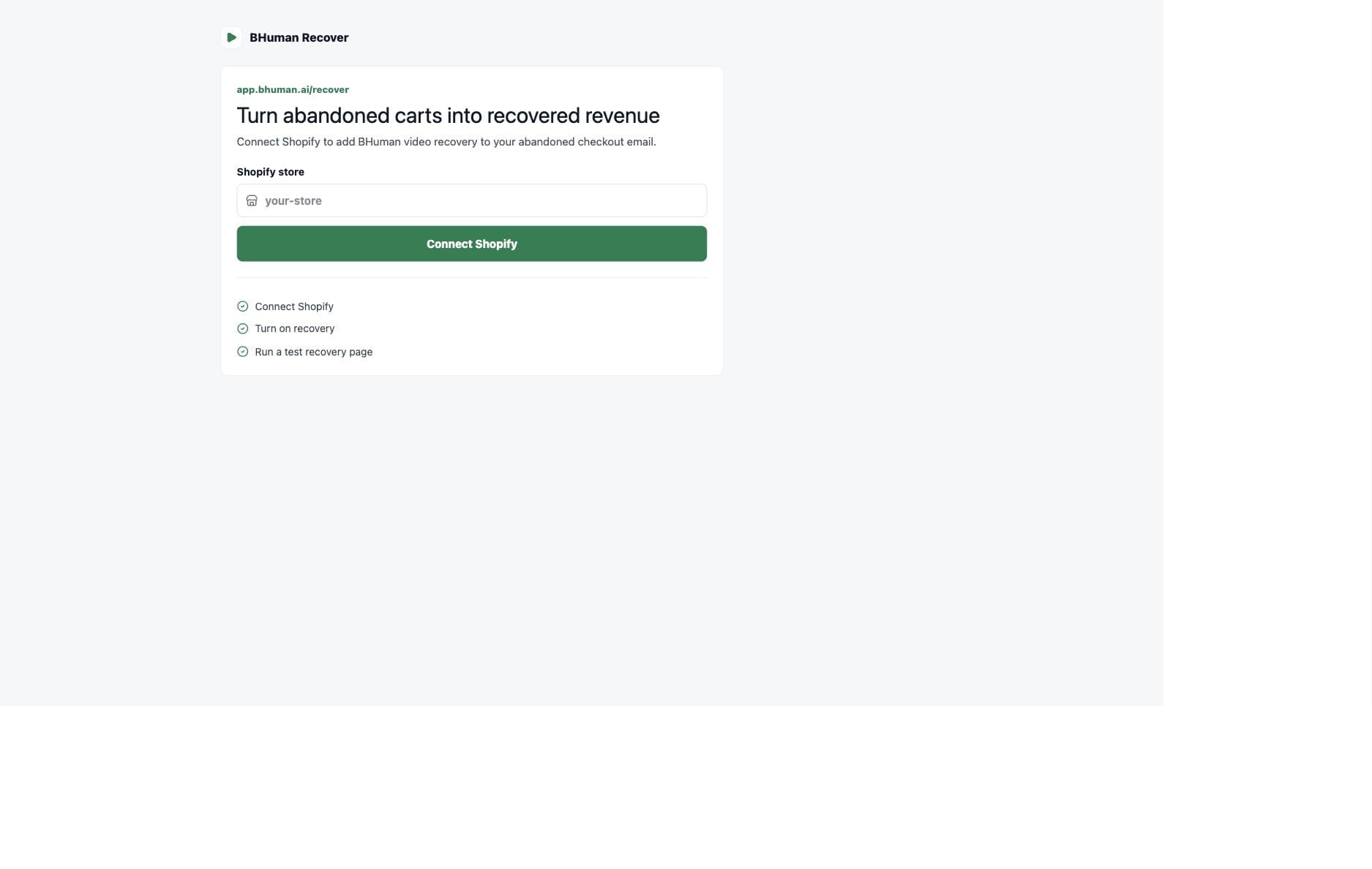
Connect Shopify
- 01
Enter the store
Start from /recover and enter the Shopify store domain. Speakeasy normalizes simple store names into myshopify.com domains. - 02
Authorize Shopify
The app redirects through Shopify auth so BHuman can receive checkout events and configure recovery behavior. - 03
Return to Recover
After connection, the Recover app shows the connected store and the setup checklist.
Setup
Setup checklist
- Connect Shopify
- The first step confirms the store connection is active.
- Choose the video voice
- Recover uses the selected voice style when generating the abandoned checkout recovery video.
- Add the Shopify snippet
- Copy the generated snippet and paste it into Shopify's abandoned checkout email.
- Send a test
- Use the test action before relying on the recovery flow for live customers.
Install
Snippet install
- Use Shopify Settings > Notifications > Abandoned checkout for the standard abandoned checkout email path.
- Use Shopify Email or Automations when the store manages abandoned checkout messaging there.
- Keep the generated recovery URL and customer-specific checkout values intact.
- After pasting the snippet, send a test and confirm the video destination loads correctly.
Do not edit dynamic fields casually
The snippet depends on Shopify checkout fields and BHuman recovery parameters. Editing those values can break personalization or checkout return links.
Test
Testing
- 01
Copy the snippet
Install the snippet into the abandoned checkout message or automation. - 02
Run the test
Use the Recover app test action after snippet installation. - 03
Open the recovery page
Confirm the page loads, the video experience is visible, and the checkout return path works.
Reporting
Reporting
- Pending abandoned carts
- Checkouts that have been detected and are waiting for recovery activity.
- Recovered checkouts
- Checkouts attributed as recovered after the recovery flow.
- Recovered revenue
- Revenue associated with recovered checkout events.
- Recent abandoned checkouts
- A table of recent customers, cart value, item count, last seen time, and generation/recovery status.