AI Studio
Start faster with reusable templates.
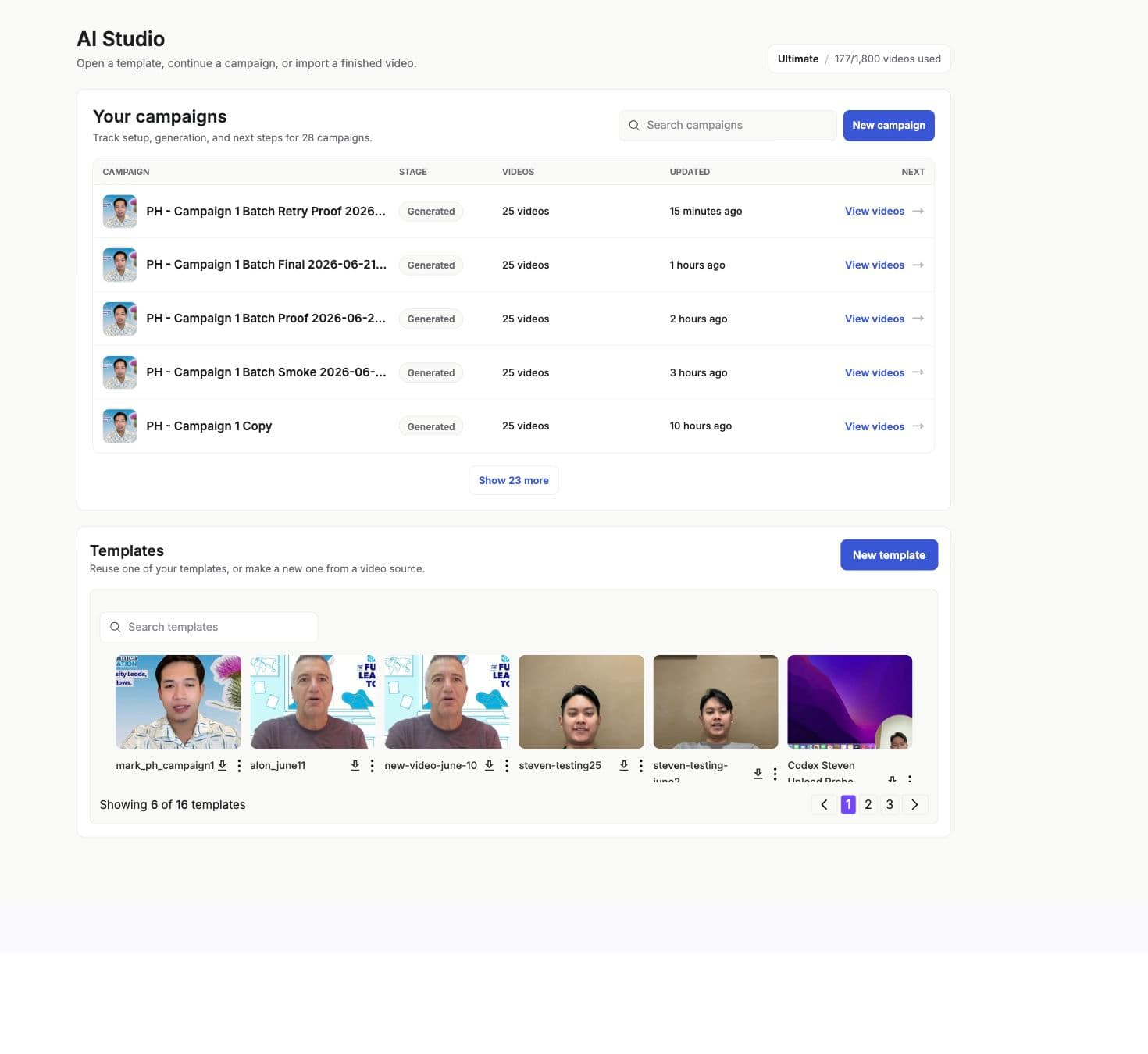
The template library gives teams starter videos and use-case templates that can be copied into a workspace, edited, and used for campaigns.
Model
What the library stores
- name
- The template title shown in the library.
- description
- A short explanation of the use case.
- thumbnail
- Preview image for the template.
- video_url
- Preview video when available.
- category
- The template group used for browsing.
- tags
- Search and filter metadata.
- use_case
- Optional use-case metadata for guided setup.
- text_to_video
- Indicates templates created from generated-video workflows.
Setup
Use a template
- 01
Open the library
Browse starter templates or your uploaded templates. - 02
Preview the template
Use thumbnails and video previews to choose a template that fits the use case. - 03
Create a workspace copy
Using a template creates a video instance in your workspace. - 04
Edit variables
Review transcript, variables, voice settings, and campaign mapping before launch.
Next