Developers
Attach a branded domain to BHuman pages.
Custom domains let teams use branded destinations for BHuman-hosted pages and campaign experiences.
Domain
What custom domains do
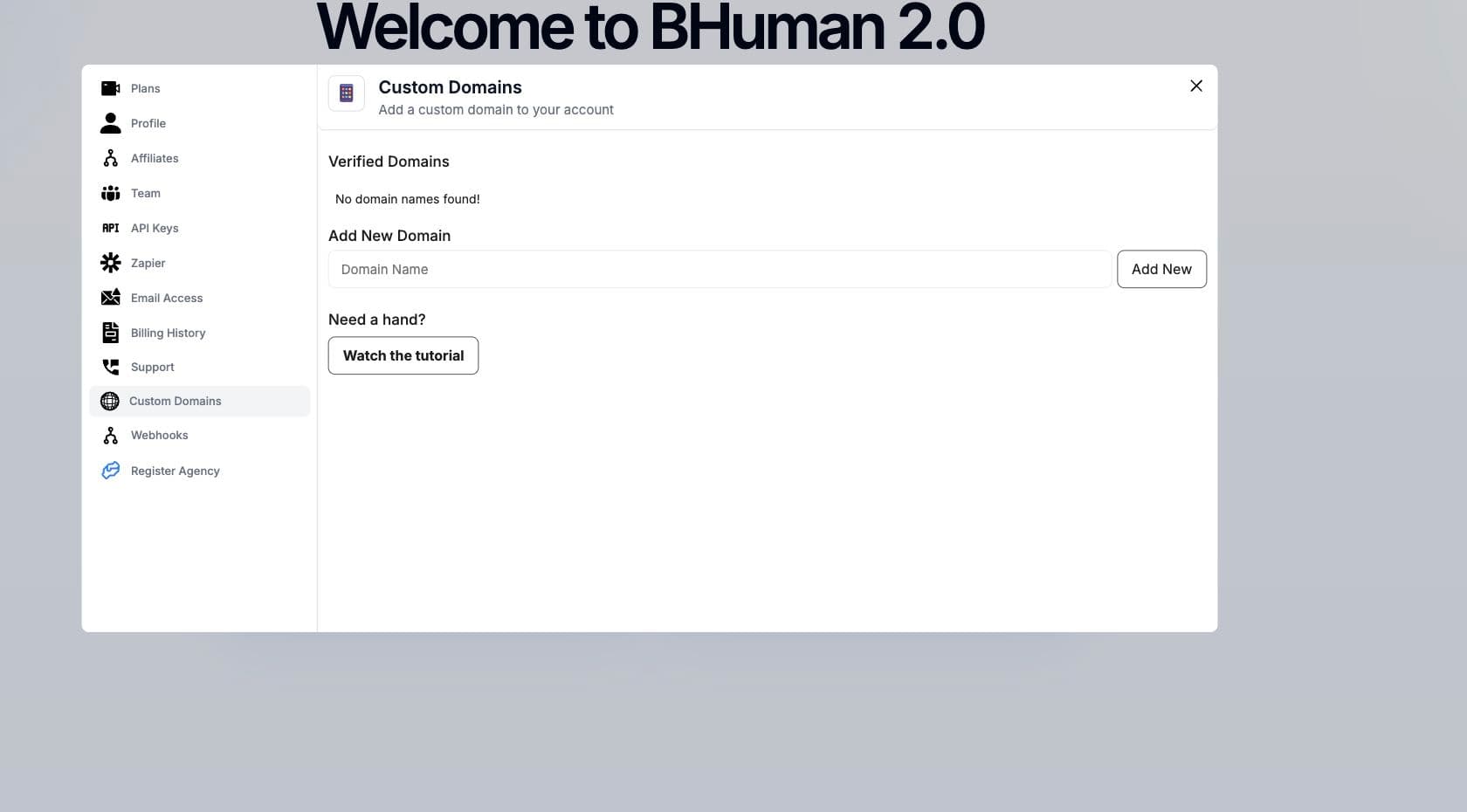
Custom domains are managed in Settings. A registered domain can be used for branded page destinations when the account and DNS setup are verified.
Setup
Setup flow
- 01
Open Settings
Go to Custom Domains in the Settings area. - 02
Register the domain
Enter the domain or subdomain you want to use. - 03
Configure DNS
Add the required CNAME or DNS record with your DNS provider. - 04
Wait for verification
The domain is usable after verification succeeds.
Fields
Domain fields
- name
- The registered domain or subdomain.
- apex_name
- Root domain information when available.
- verified
- Whether BHuman can verify the domain setup.
Checks
Checks before use
- Use a domain or subdomain you control.
- Complete DNS setup before using the domain in campaigns.
- Use HTTPS destinations for CTAs and callbacks.
- Test the generated page URL before sending a campaign.
Custom pages vs custom domains
A custom domain brands a BHuman-hosted destination. A custom landing page is a page your own product hosts and populates with generated video assets.