Delivery
Send generated videos from a connected mailbox.
Email delivery uses campaign rows, generated video assets, a selected recipient email column, a connected sender, and an email body with variables.
Model
How email delivery works
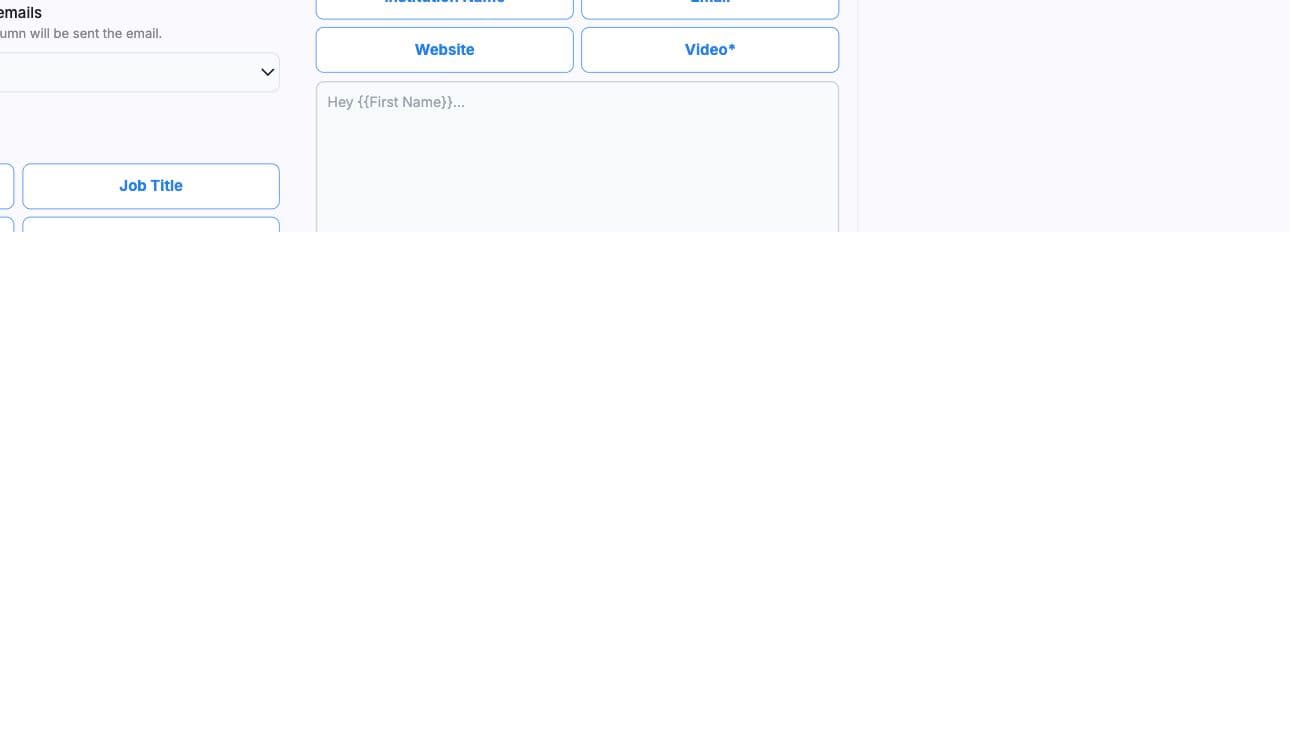
After generation succeeds, BHuman can send an email campaign through a connected sender. The email body and subject can include variables from the campaign rows, including a video link field.
Setup
Required setup
- Connected sender
- A mailbox configured in Email Access settings.
- Recipient column
- The campaign column containing recipient email addresses.
- Succeeded videos
- Rows must have usable generated outputs before delivery.
- Subject and body
- The message content to send for the campaign.
- Delay or schedule
- Optional delivery timing and campaign activity settings.
Variables
Template variables
- Use double braces for variables in the email body, such as {{name}} or {{company}}.
- Use the video/share variable when the email needs to link to the generated video.
- Variables are normalized against campaign row headers.
- Rows missing a variable used in the email body are excluded or blocked depending on send mode.
Workflow
Send flow
- 01
Choose email delivery
Open delivery from the generated video campaign page. - 02
Select sender and recipient column
Pick the connected email sender and the campaign column that contains recipient emails. - 03
Write subject and body
Insert variables that match campaign columns. - 04
Send a sample
Send a test before launching the whole campaign. - 05
Start or schedule
Start immediately or schedule the campaign activity.
Checks
Validation
- Sender, subject, body, and recipient column are required.
- Body variables must exist in at least one row for sample sends.
- Rows with missing values for variables used in the body should be fixed before sending.
- Only succeeded generated videos should be sent in bulk.
Connect the mailbox first
If no sender is available, configure Email Access before opening the campaign send flow.