AI Studio
Review generated videos after a render starts.
The generated video library is where operators watch generation progress, review completed assets, recover failed batches, export updated rows, and move into delivery.
Outputs
What it contains
- Generated video cards for each visible campaign row.
- Live updates from server events plus periodic refresh every five seconds while renders are active.
- A status summary showing ready, failed, stuck, and active render counts.
- Controls for Refresh, See all, See few, and Retry generation when the batch is recoverable.
- Share and export paths for email, API, CSV, XLSX, Leadr, and landing pages.
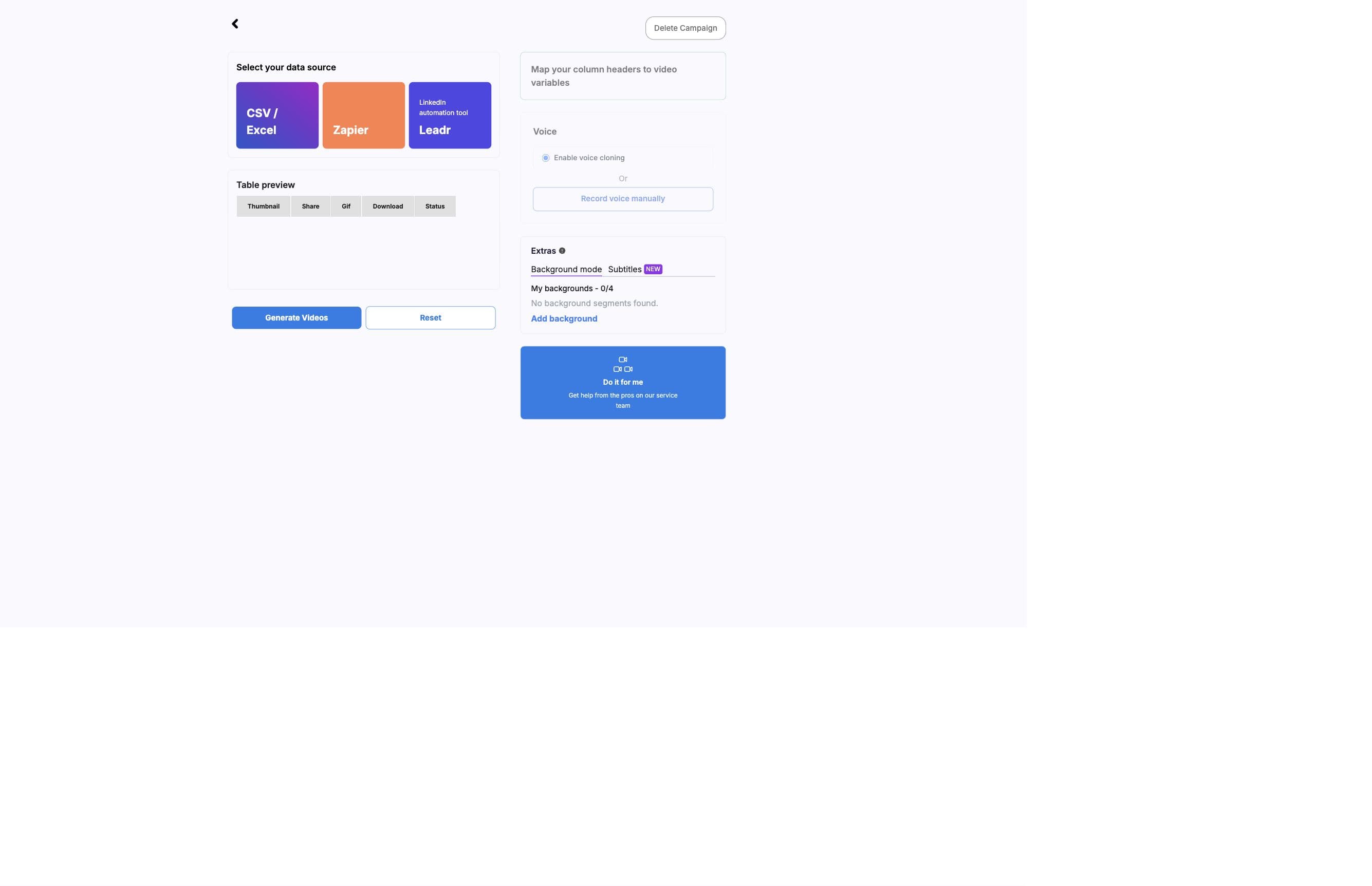
Status
Status summary
- Loading latest video status
- Shown while the page is loading the current generated video list.
- Checking every 5 seconds
- Shown while active rows are still queued, preparing, or processing.
- Ready count
- Number of videos that are succeeded, completed, or already have usable media URLs.
- Failed count
- Number of videos whose status is failed.
- Stuck count
- Number of active videos that have stopped updating long enough to be treated as stale.
Cards
Result cards
- Preparing
- The row has a generated video record but is not rendering yet.
- Queued
- The row is waiting for render capacity.
- Processing
- The row is actively rendering and can show elapsed time or progress.
- Succeeded
- Download, GIF, and share actions become available when URLs exist.
- Failed
- The card can show error detail and pipeline execution metadata.
- Needs review
- Used for stale rows that stopped updating before a ready or failed state.
Rows stay tied to source data
Generated cards preserve row order when row indexes are available, which keeps exported files and delivery actions aligned with the original campaign data.
Recovery
Recovery actions
- Click Refresh when a render looks delayed but not failed.
- Use Retry generation only when the full batch failed and the underlying issue has been fixed.
- Sharing is disabled while videos are still generating or when the CSV cannot be read.
- Exports are disabled while generation is active or when the CSV cannot be read.
- Delete the campaign from the side navigation only when the campaign and generated results should be removed.
Next