Account settings
Manage one BHuman plan and shared credits.
Plan & usage shows one balance for personalized videos and Speakeasy, the four BHuman tiers, promo codes, and the optional LeadR add-on.
Scope
What plans control
- Shared credits
- One balance that can be spent in AI Studio or Speakeasy.
- Personalized videos
- Each completed personalized video uses 1 shared credit.
- Speakeasy
- Each rendered second uses one quarter of a shared credit, so 1 minute uses 15 credits.
- BHuman product access
- AI Studio, Speakeasy, and Persona use the main BHuman plan instead of separate subscriptions.
- LeadR add-on
- Adds LinkedIn-style outreach automation with personalized video support.
Controls
Plan controls
- Review the current plan and shared credits remaining.
- Compare Free, Growth, Scale, and Ultimate in one plan grid.
- Treat the video and Speakeasy examples as alternatives from the same balance, not separate quotas.
- Enter a promo code before checkout when a promotion applies.
- Open checkout from the selected BHuman plan or the LeadR add-on.
Products
Add-ons
- LeadR
- The only separately billed add-on. It provides outreach account seats and campaigns that send personalized videos to prospects.
- Legacy subscriptions
- Existing retired or annual subscriptions remain serviceable through billing management, but are not offered to new customers.
LeadR does not create a second credit wallet
LeadR is billed separately, but personalized videos it requests still use the shared credits in the connected BHuman workspace.
Workflow
Upgrade or downgrade
- 01
Open Settings
Choose Plan & usage from the settings sidebar. - 02
Review usage
Check the active plan and shared credits remaining. - 03
Select a BHuman plan
Choose Free, Growth, Scale, or Ultimate. Open the LeadR disclosure only when outreach automation is also needed. - 04
Complete checkout
BHuman redirects to checkout for paid plan upgrades and LeadR purchases. - 05
Cancel or downgrade
Use the downgrade control on the active subscription when available.
Invoices
Billing history
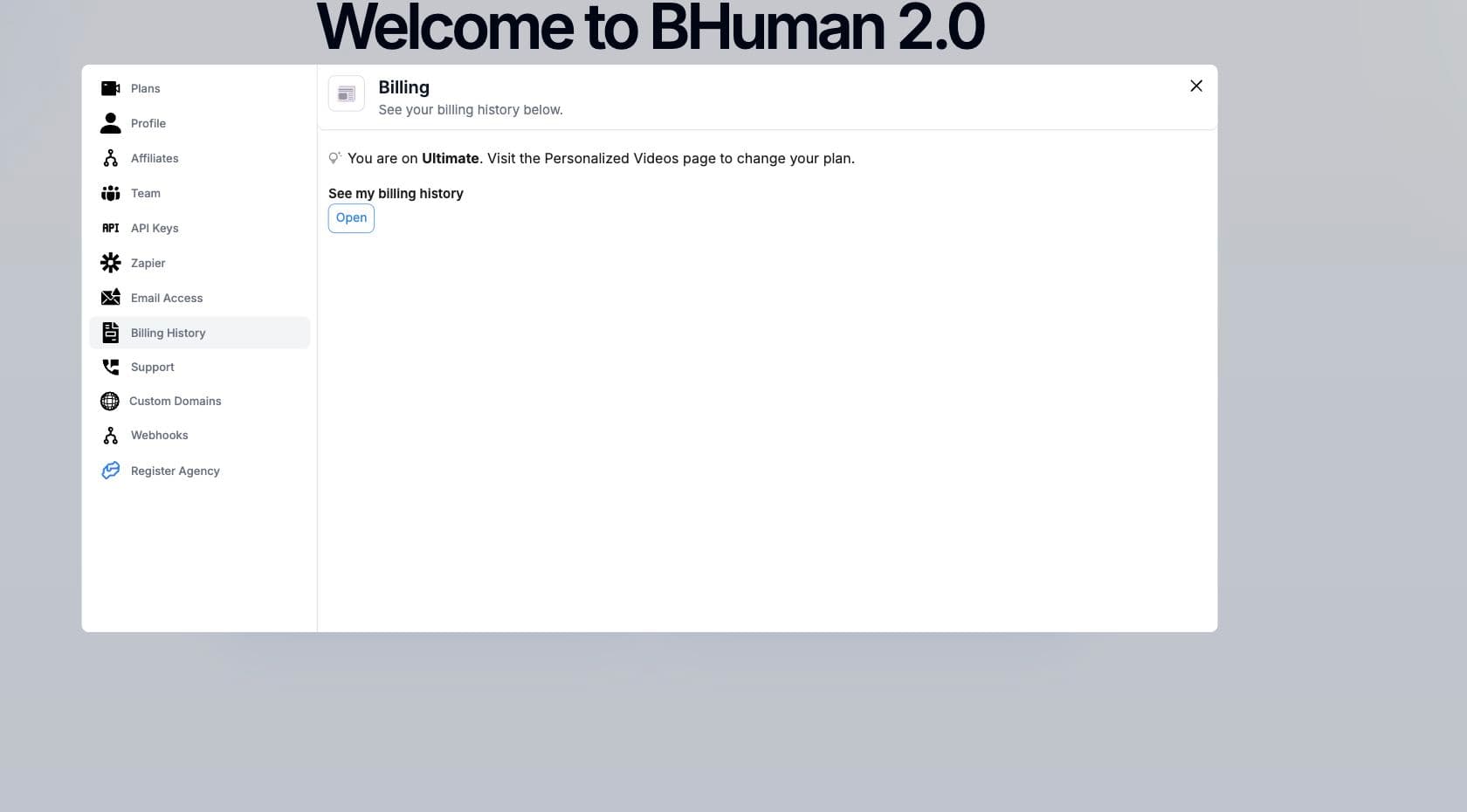
Use Billing History in Settings to review previous subscription and add-on invoices. This is separate from plan selection, so plan changes happen from Plan & usage and invoice review happens from Billing History.
Checks
Troubleshooting
- If checkout does not open, refresh the page and try the plan action again.
- If a promo code is invalid, remove it or enter the exact code provided by BHuman.
- If credits look wrong, confirm you are in the correct workspace before reviewing the shared balance.
- For enterprise plans or custom limits, contact BHuman from the contact page.