Products
Create an embeddable AI persona.
Persona creates interactive AI persona instances with voice, avatar, face model selection, folders, privacy settings, and optional widget embedding.
Overview
What Persona does
Persona is separate from AI Studio campaign generation. It creates interactive persona instances that can be organized into folders, configured with identity information, and embedded with a widget.
Setup
Create a Persona
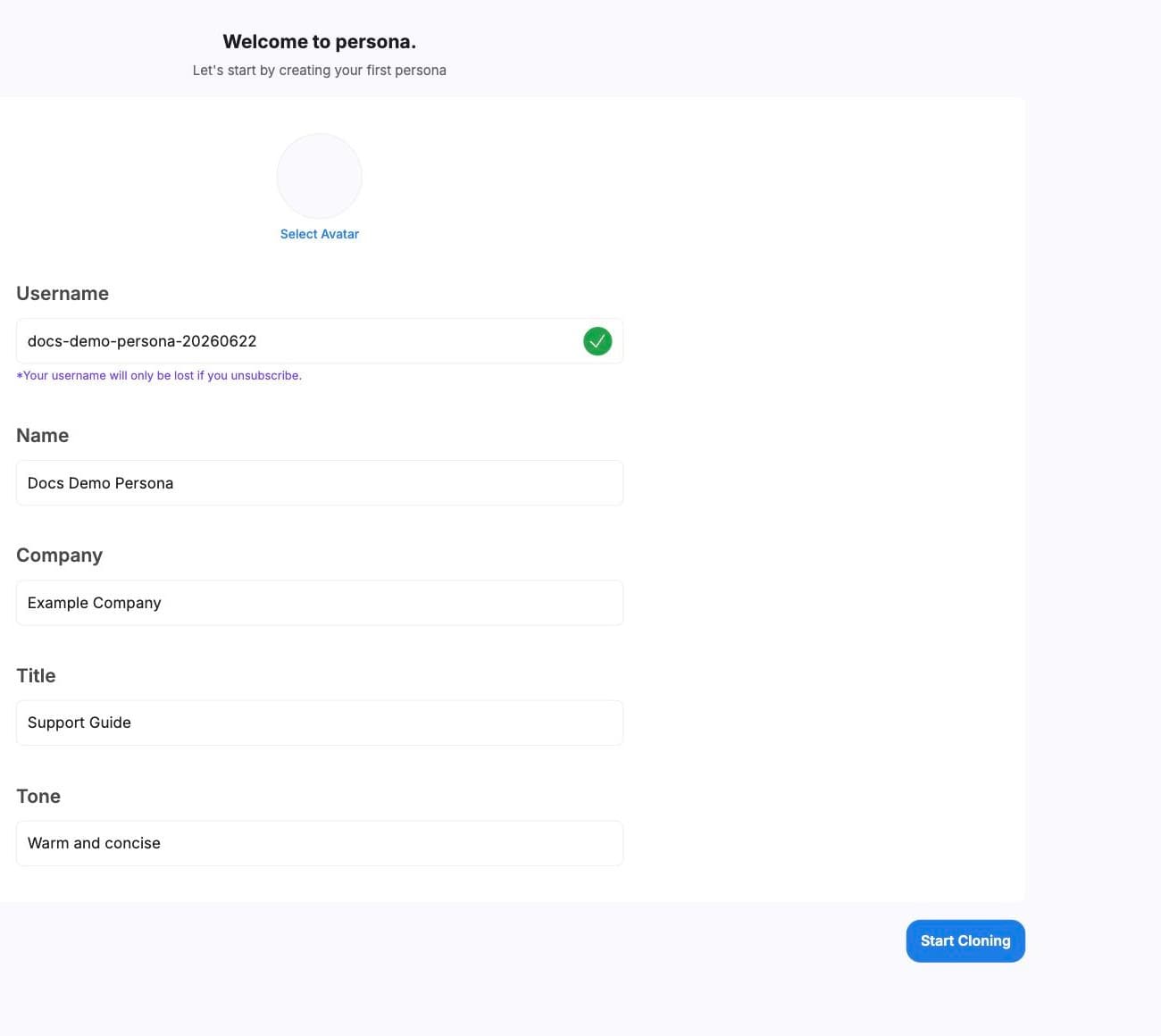
- 01
Choose or create a folder
Persona initializes a default folder when an account has no folders. - 02
Enter identity fields
Set name, company, title, tone, avatar, username, and privacy. - 03
Add voice when needed
Provide voice settings if the Persona should speak with a selected voice. - 04
Save the instance
The new Persona instance opens for review after creation.
Face model
Model selection
Persona can generate multiple face model previews for an instance. Choose the preview that looks best, then save the selected color mode to the Persona instance.
- status
- Preview state such as queued, processing, succeeded, or failed.
- thumbnail
- Preview image when available.
- gif
- Animated preview when available.
- color_mode
- The selected model variant saved to the Persona.
Embed
Widget embedding
Persona can load an embeddable widget script and render a configured Persona instance with options such as position and text, mic, or video controls.
Use current account-approved embed settings
Widget configuration should be handled from the product or account setup path so the correct instance ID, user ID, and interaction modes are used.
Settings
Settings to review
- Persona name and public embed name.
- Company and title fields.
- Tone and writing style.
- Avatar and selected face model.
- Privacy setting.
- Voice setting when voice is enabled.