Speakeasy
Render, monitor, download, and share Speakeasy videos.
Once presenter, content, and voice are ready, Speakeasy creates an asynchronous render job. The workspace shows progress, completion, retry paths, final video actions, billing status, and optional sharing integrations.
Checklist
Before rendering
- A presenter must be selected.
- A voice profile or final audio source must be ready.
- If using generated voice, the script must meet the minimum length and the preview must be current.
- Sign-in is required to save the project and start generation.
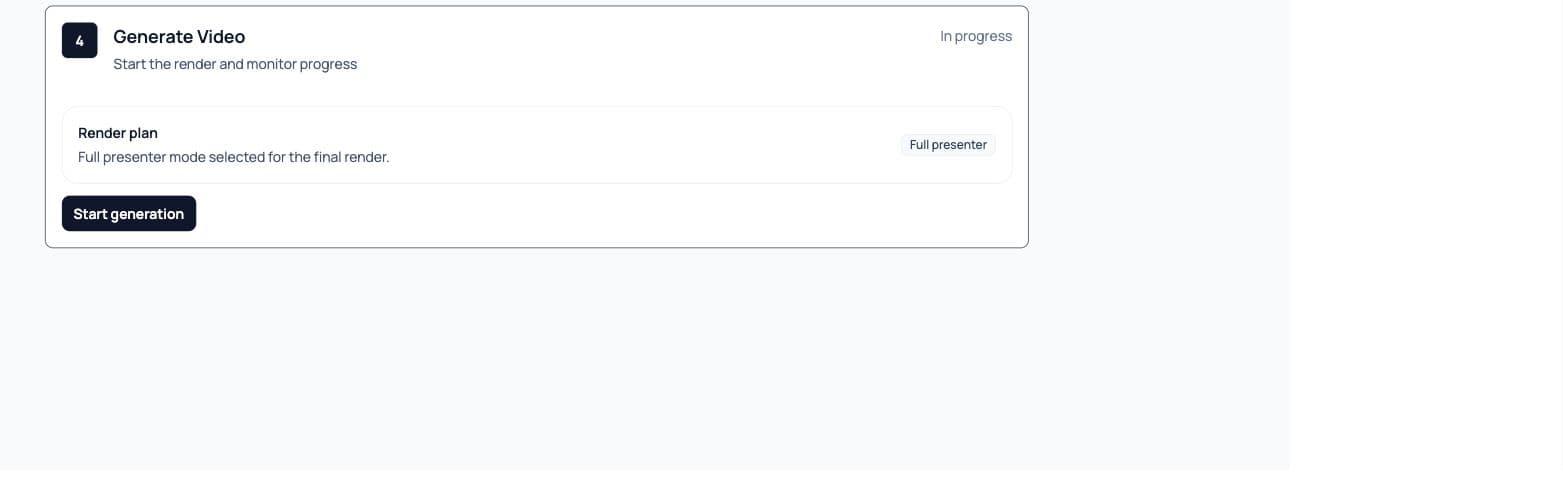
Progress
Render progress
- Job ID
- The render job identifier shown while Speakeasy polls status and reconciles the final output.
- Stage
- Render stages include analyzing script, transcribing audio, segmenting audio, generating variations, generating video segments, concatenation, postprocessing, completed, and failed.
- ETA
- Speakeasy estimates remaining time from the current stage, elapsed time, and progress percentage.
- Refresh status
- Refresh asks Speakeasy to reload project and job state when a render is still running.
- Retry generation
- Retry returns the project to the Generate Video step after a failed render or recoverable state.
- Open pipeline run
- When available, this opens the underlying pipeline dashboard for deeper job inspection.
Email notification
The processing view tells users Speakeasy will email the signed-in address when the video is ready.
Output
Completed videos
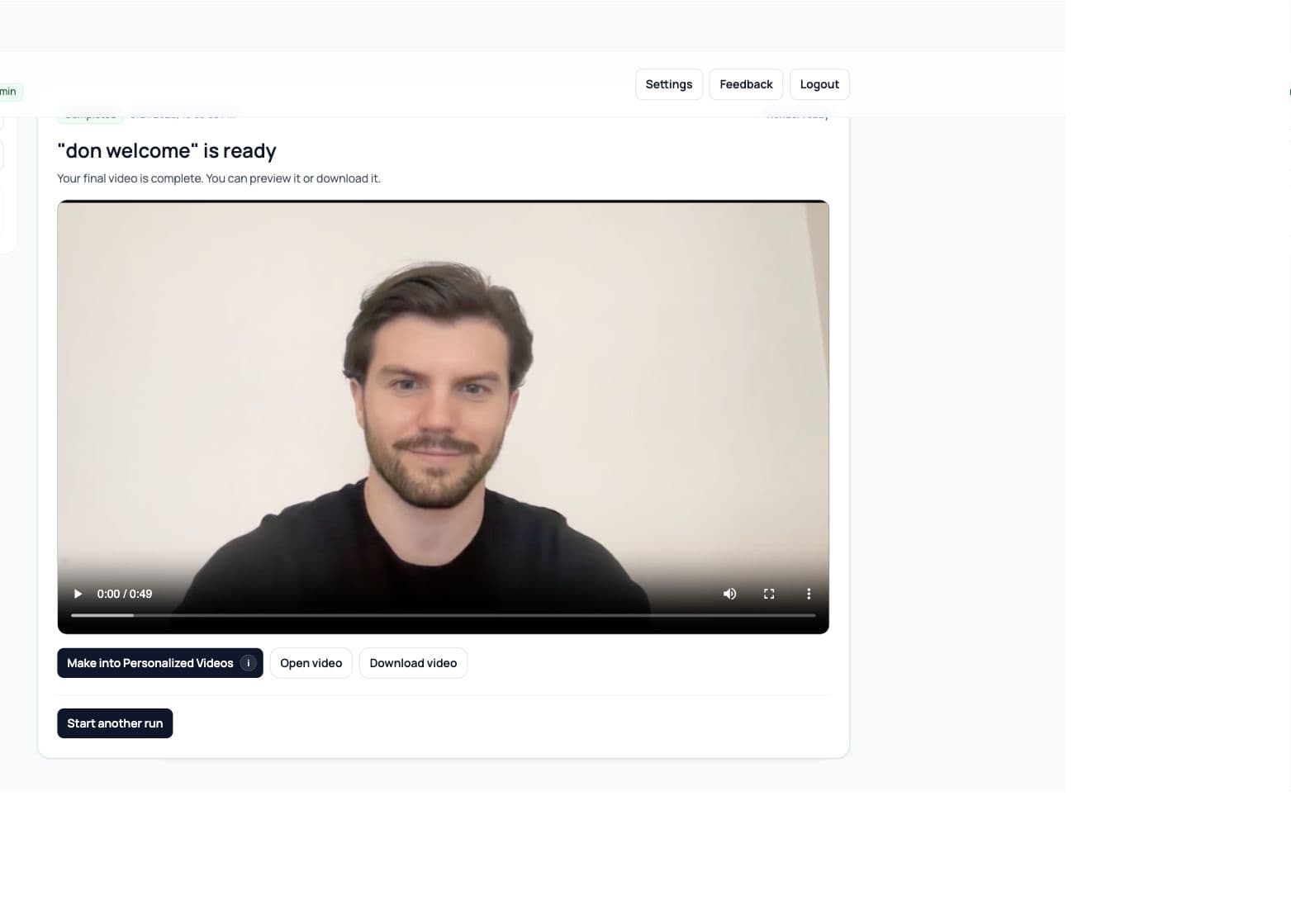
- 01
Preview the final video
The completed state shows the rendered video in a player so you can review it before using it elsewhere. - 02
Open or download
Open video launches the final URL in a new tab. Download video saves the MP4 from the final URL. - 03
Start another run
Use Start another run when the same project settings should create a new render. - 04
Make into Personalized Videos
Send the completed video into BHuman AI Studio when it should become a reusable personalized video template.
Account
Credits and billing
- Credits badge
- The header shows the shared BHuman credit balance and its Speakeasy time equivalent.
- Plan selection
- Speakeasy uses the main BHuman plan. Settings opens BHuman Plan & usage instead of selling a separate Speakeasy subscription.
- Promo code
- Promo codes apply when choosing a main BHuman plan.
- Invite code
- Invite codes can be redeemed in Settings for credits.
Feedback
Feedback and roadmap
- Use the in-app feedback panel to submit bugs or feature requests.
- Roadmap items can be searched and filtered by status.
- Users can review their own submitted feedback and bugs.
- Voting and subscription endpoints keep roadmap feedback tied to real users.