Account settings
Update your profile and session.
Profile settings contain your first name, last name, login email, passwordless login note, and sign-out action.
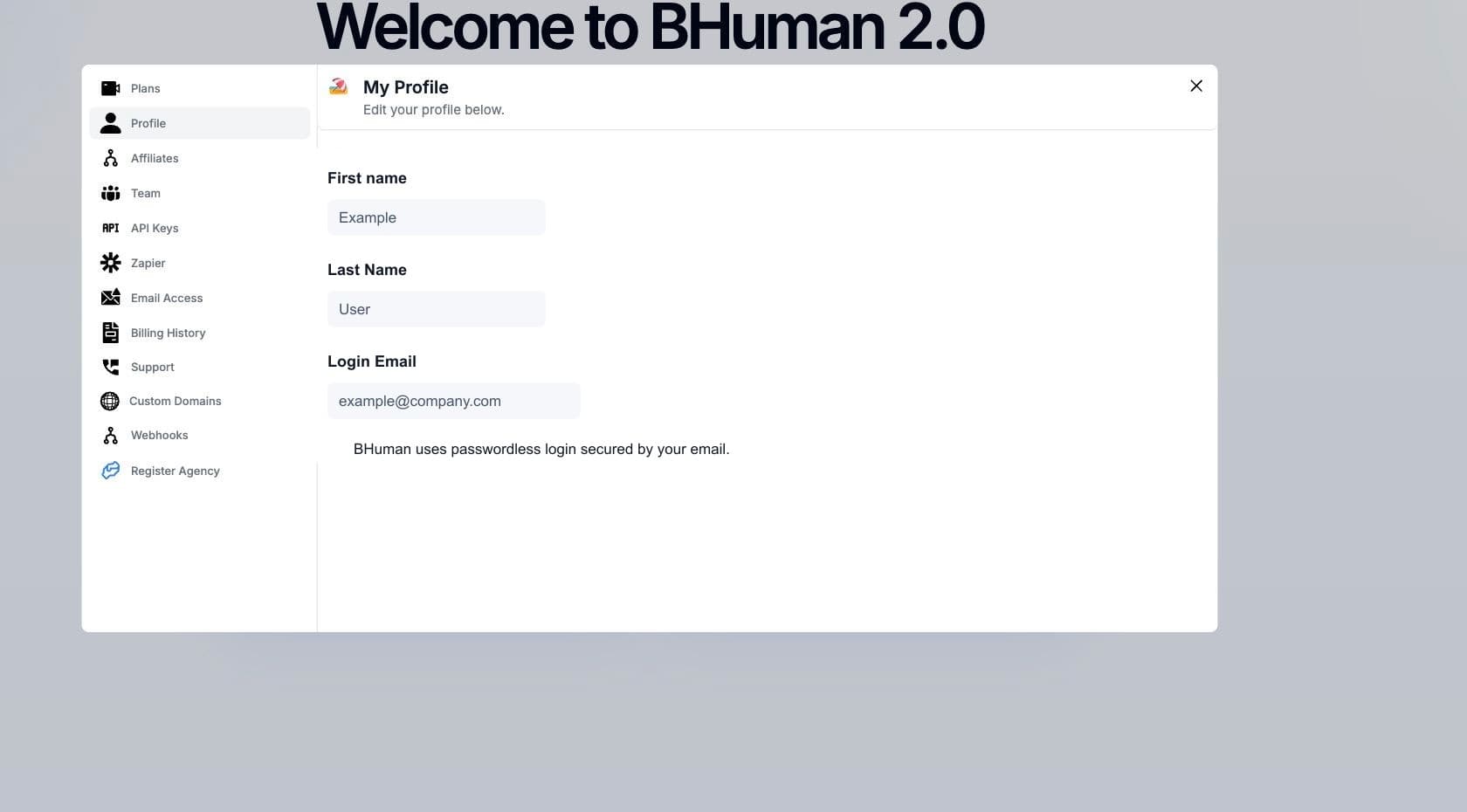
Fields
Editable fields
- First name
- Editable. Used for account display and team context.
- Last name
- Editable. Used with the first name in team member lists.
- Login email
- Read-only in the profile panel. This is the email used for passwordless login.
Workflow
Update your name
- 01
Open Profile settings
Go to Settings and choose Profile. - 02
Edit a name field
Use the edit icon beside First name or Last name. - 03
Enter the new value
Type the updated name in the input field. - 04
Save with Enter
Press Enter to save the updated value.
Required values
First and last name fields cannot be saved as empty values.
Authentication
Login email
BHuman uses passwordless login secured by email. The profile panel shows the login email for confirmation, but does not edit it directly.
- Use the login email when requesting sign-in links or codes.
- If the login email is incorrect, contact BHuman instead of changing unrelated sender settings.
- Email Access settings control campaign senders and do not change the account login email.
Session
Sign out
- 01
Choose Sign Out
Use the Sign Out button in Profile settings. - 02
Local session clears
BHuman clears stored authentication, support, user, Persona embed, and landing-page session values. - 03
Return to login
The browser redirects to the sign-in entry point.