Developers
Create API credentials in Settings.
API credentials give your integration access to BHuman data and generation actions. Generate them in Settings and keep the secret server-side.
Settings
Where keys live
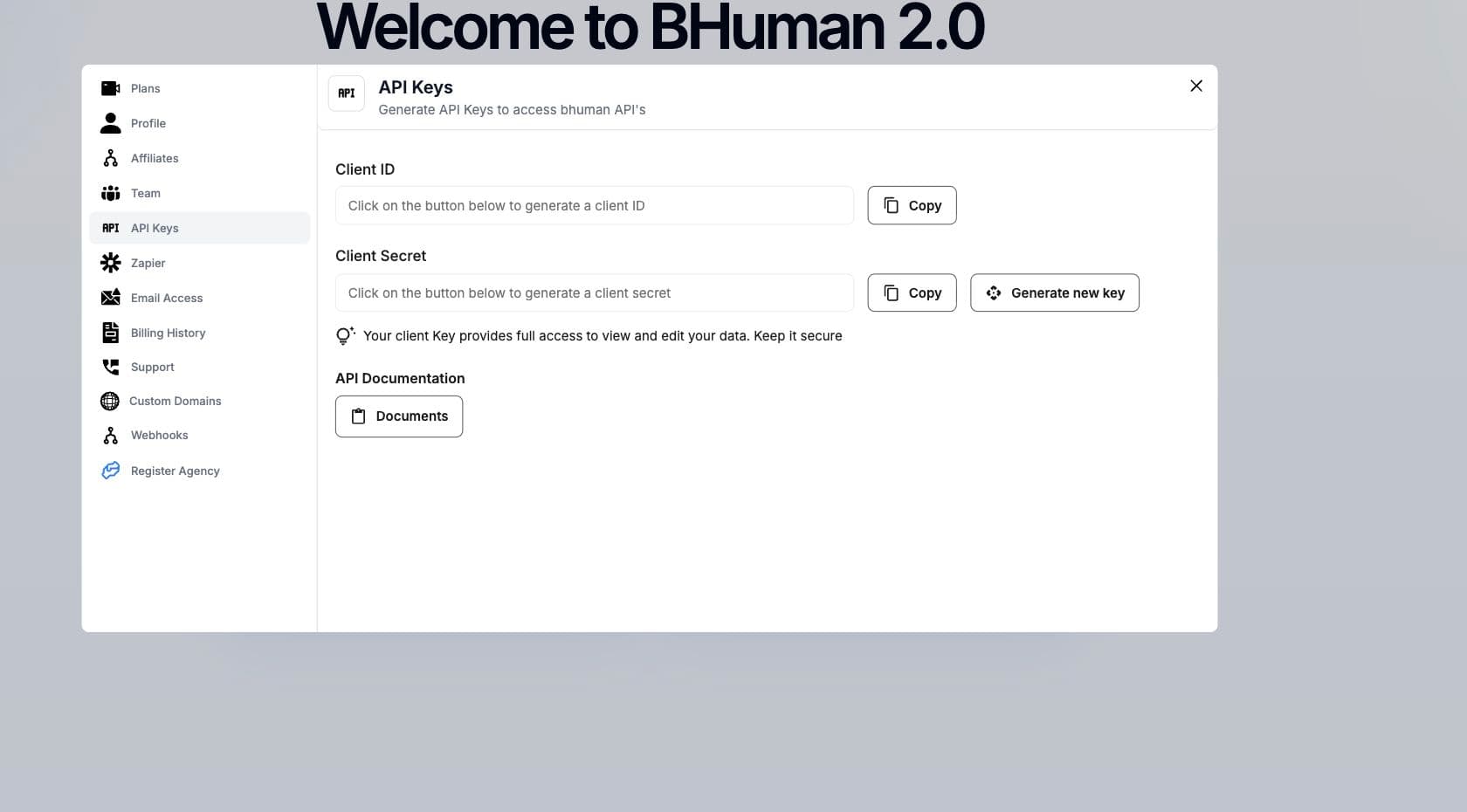
Open BHuman, go to Settings, then choose API Keys. The same Settings area also contains Zapier credentials, saved webhooks, custom domains, team settings, email access, and billing.
Setup
Create a key
- 01
Open Settings
Sign in to BHuman and open the Settings area. - 02
Open API Keys
Use the API Keys tab for normal API credentials. - 03
Generate new key
Generate a client ID and client secret. - 04
Store securely
Copy the values into your server-side secret manager.
Fields
Credential fields
- Client ID
- The public identifier used as the Basic Auth username.
- Client Secret
- The secret used as the Basic Auth password.
- Resource type
- Normal API keys and Zapier keys are stored separately.
Security
Security guidelines
- Keep the client secret out of frontend code.
- Use a server-side environment variable or secret manager.
- Rotate credentials if they are exposed.
- Create separate credentials for Zapier and direct API integrations when possible.
- Do not paste secrets into public tickets, docs, or repositories.
Basic Auth
Send
Authorization: Basic base64(client_id:client_secret) on API requests.