AI Studio
Generate a presenter video from script text.
Text-to-video uses approved text-to-video templates and a short script to create a generated presenter video without recording a new take.
Purpose
What it does
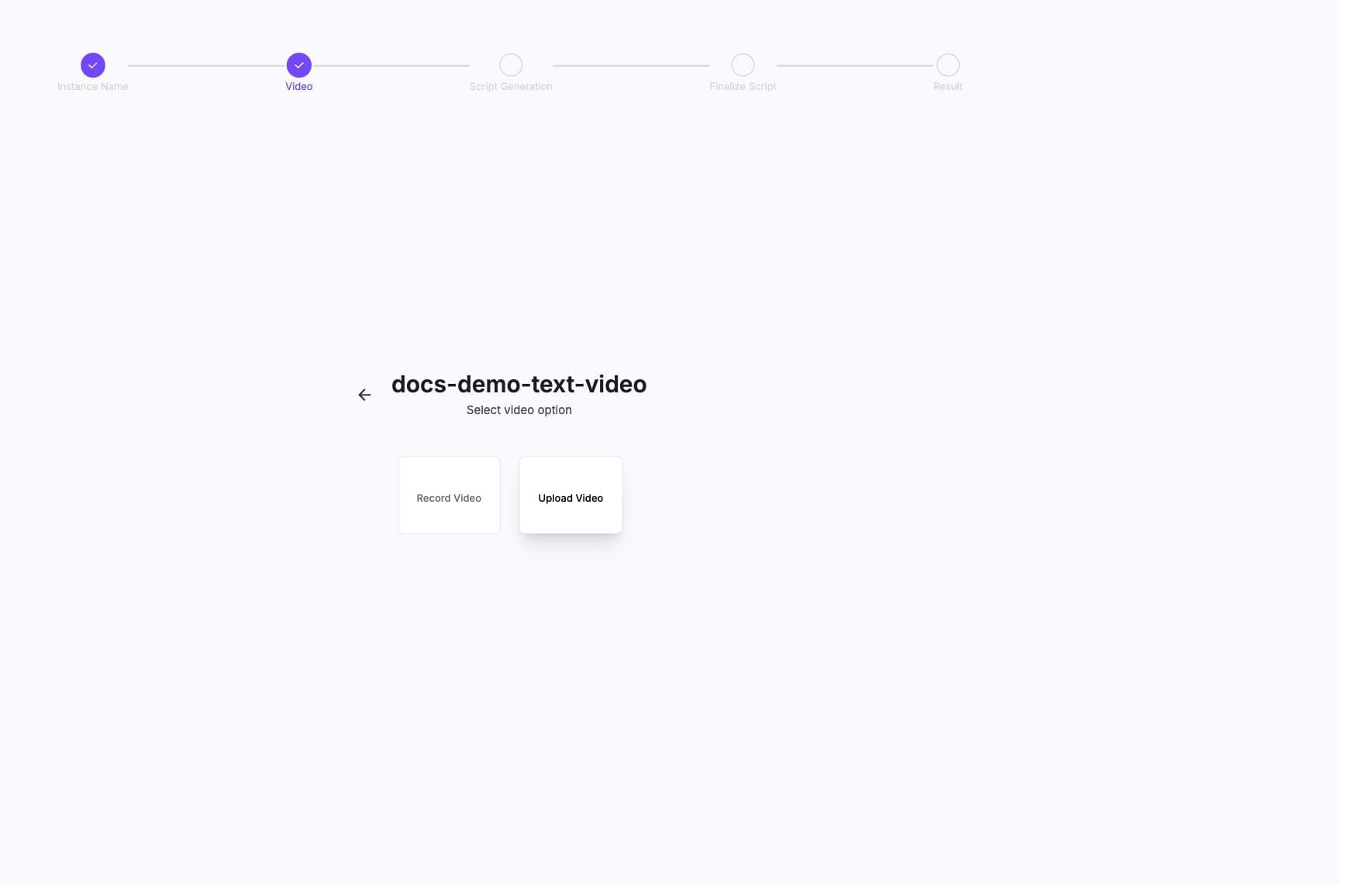
Text-to-video takes a script, selected template video, and output name, then sends a generation request to create a video. The product shows progress through a live connection and returns generated video fields such as status, URL, thumbnail, GIF, and estimate time.
Workflow
Workflow
- 01
Choose a text-to-video template
The UI filters template store products to templates marked for text-to-video. - 02
Enter a short script
The current product flow enforces a short script budget for this mode. - 03
Name the video
The name identifies the generated output in the video list. - 04
Generate and monitor
BHuman starts generation and updates the generated video list as processing changes.
Inputs
Inputs
- text
- Script text array used for generation.
- video_url
- Source template video URL.
- template_id
- Template identifier when the generation is tied to a template.
- name
- Human-readable generated video name.
- callback_url
- Optional callback destination for automation.
Use short scripts
The app checks script length before generation. Keep the script direct and use AI Studio campaigns when you need row-level personalization at scale.
Progress
Progress
- Generated text-to-video outputs are returned with processing, succeeded, or failed states.
- The live progress connection updates the latest generated videos and sorts by updated time.
- Outputs can include MP4 URL, Vimeo URL, thumbnail, GIF, response text, message, and estimate time.
API
API shape
Text-to-video generation uses the Persona generation service behind the product UI. Treat it as asynchronous and collect outputs the same way you collect other generated video assets.
Text-to-video request
JSON{
"text": ["Welcome to the product. Here is what to do next."],
"video_url": "https://assets.example.com/template.mp4",
"template_id": "TEMPLATE_ID",
"name": "Welcome video",
"callback_url": "https://yourapp.com/bhuman/text-to-video"
}