Campaigns
Use generated video outputs in your workflow.
Generated assets are the render results BHuman returns after campaign, API, Zapier, Pabbly, Leadr, or direct template generation.
Outputs
What gets created
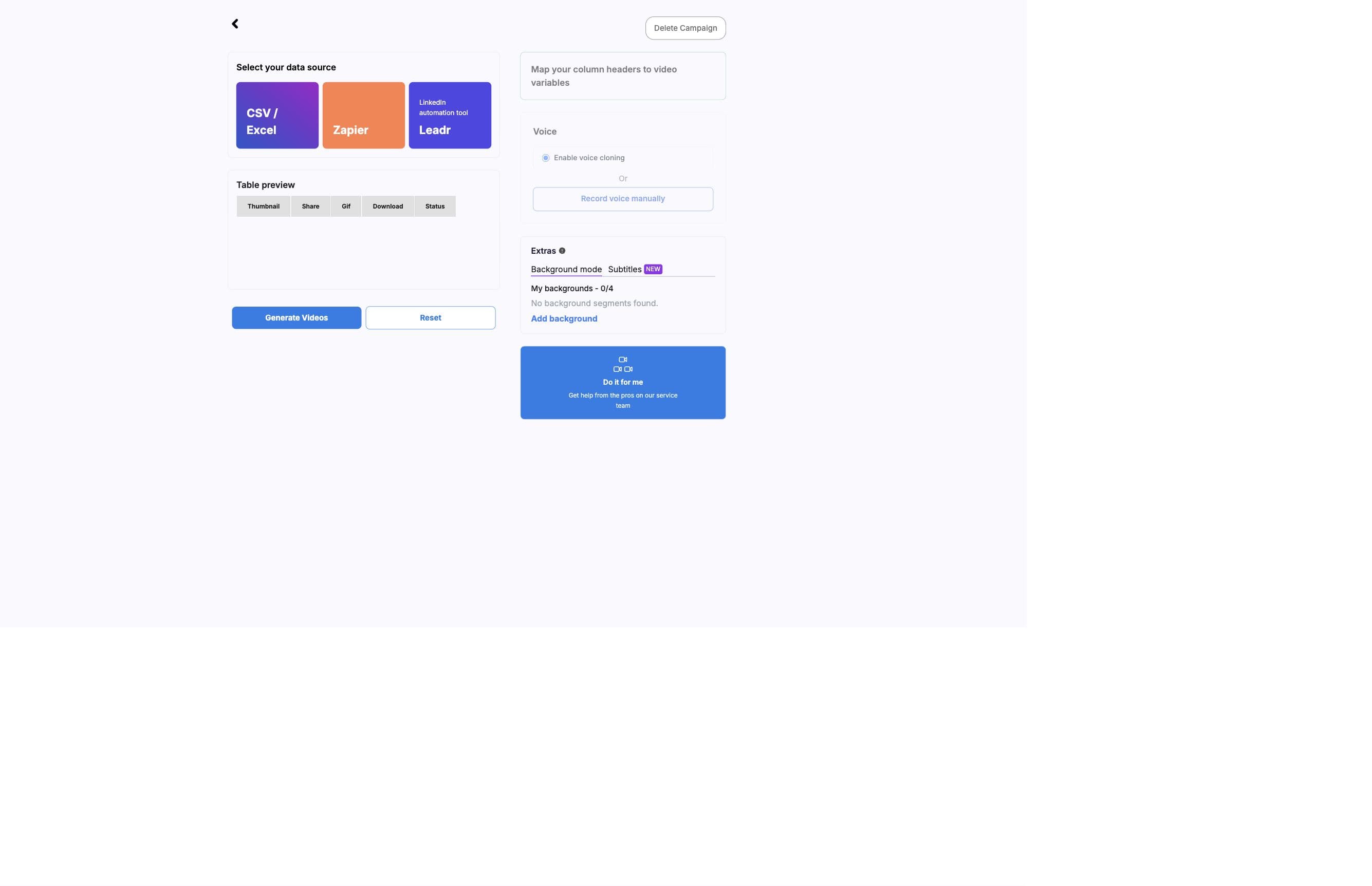
Each generated video can include an ID, status, source row index, hosted share URL, downloadable MP4 URL, thumbnail, GIF preview, optional WhatsApp-ready MP4 URL, failure message, and execution metadata.
Status
Status fields
- queued
- The job is waiting to be processed.
- preparing
- BHuman is preparing the render inputs.
- processing
- The video is actively rendering.
- succeeded
- The render completed and assets should be available.
- completed
- A completed state used by some result paths.
- failed
- The render failed; inspect message for the reason.
- needs review
- UI review state for active videos that stopped updating before becoming ready or failed.
Fields
Asset fields
- id
- Generated video ID used for reconciliation.
- share_url
- Hosted video page or share destination when available.
- url
- Downloadable MP4 URL.
- thumbnail
- Generated thumbnail image.
- gif
- Generated GIF preview for email or CRM workflows.
- whatsapp_video_url
- Optional smaller MP4 created for WhatsApp delivery when the campaign setting is enabled.
- row_index
- The source data row associated with the generated video.
- message
- Processing or failure detail.
- execution_name
- Pipeline execution identifier when available.
- estimate_time
- Estimated render duration used by progress UI when available.
- text
- The row values shown on generated video cards.
WhatsApp-ready video
The WhatsApp-ready MP4 is an optional derivative of the successful main video. BHuman creates it after main completion so a slow or failed derivative does not delay the normal generated-video result.
- Main video
- The standard generated MP4 in url. Its success determines the generated-video status.
- WhatsApp-ready video
- The optional derivative in whatsapp_video_url. It is stored only after derivative upload succeeds.
- Readiness event
- A separate webhook with event = whatsapp.ready, the generated-video id, campaign_id, and whatsapp_video_url.
The field is intentionally optional
An absent
whatsapp_video_url can mean the campaign did not request the derivative, it is still processing, or derivative generation failed. Check the main status independently.Collection
How to collect assets
- Use callback_url when your system should be notified after render completion.
- Use polling endpoints when callbacks are not configured or when you need reconciliation.
- Store the generated video ID returned by the initial request.
- Match callbacks to your records by generation ID and row index.
- When WhatsApp video generation is enabled, update the same record after event = whatsapp.ready arrives.
- Export CSV or XLSX from the generated videos page when operators need a spreadsheet backfill.
Failure
Failure handling
- Check message for the specific failure reason.
- Confirm the source video and mapped variables are still available.
- Check background mode URL and media validity when assets are involved.
- Refresh generated videos if a row appears stuck before treating it as failed.
- Retry only after fixing missing data, inaccessible URLs, or template setup issues.
- Do not mark a successful main video as failed only because whatsapp_video_url is absent.
Do not assume immediate media availability
Treat generated assets as asynchronous outputs. Your workflow should tolerate queued and processing states before a final asset URL exists.