Leadr
Connect healthy accounts before launching outreach.
Leadr accounts are the sending identities for outreach. The product uses hosted auth, account health checks, reconnect actions, pending-connection detection, and worker-side account leases to keep campaigns tied to usable accounts.
Purpose
What accounts do
A Leadr account is the connected LinkedIn identity used to search, invite, like, comment, message, and monitor replies. A campaign can target multiple selected accounts; Leadr starts one worker campaign per active account and skips inactive accounts.
Account health is checked in the home page, accounts page, campaign builder, and worker before launch or resume.
Workflow
Connection flow
- 01
Open hosted auth
Start from Leadr Home, Leadr Accounts, or the campaign builder. Leadr requests a hosted authorization link and redirects to the provider-hosted connection flow. - 02
Track pending connection
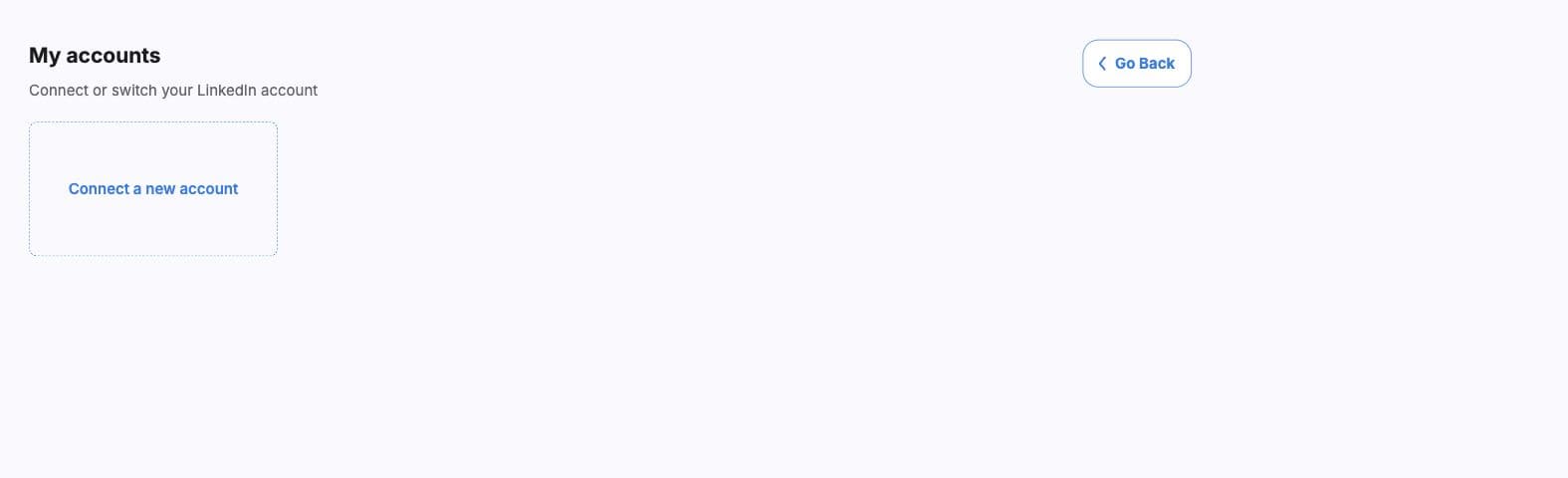
Before redirecting, Leadr records the known account IDs in local storage. When the user returns, the accounts page checks whether a new or newly runnable account appeared. - 03
Confirm account list
The account list fetch syncs the latest provider state and displays each account name, email, status, and available actions. - 04
Reconnect when required
Reconnect-required accounts open hosted auth again. Accounts that are still checking can be refreshed. - 05
Use only active accounts
The builder and worker require at least one active account before launch. Paused campaigns also require a runnable account before resume.
Status
Health states
- Active
- Shown when the provider status is OK, reconnected, sync success, running, or connected. These accounts can run campaigns.
- Reconnect
- Shown when the provider status includes credentials, disconnected, auth required, or sleeping. These accounts cannot run campaigns until reconnected.
- Checking
- Shown when the product does not yet have a clearly runnable or reconnect-required state. Use Check again or refresh accounts.
- Adding account
- Shown after returning from hosted auth while Leadr waits for the new account to appear.
Reconnect emails
The worker also supports a UniPile account status webhook and deduped reconnect emails so users can be notified when an account moves into a reconnect-required state.
Readiness
How account state affects campaigns
- The builder blocks launch when no selected account is active.
- The worker checks the selected account again before creating a campaign.
- Inactive accounts are skipped when launching across multiple selected accounts.
- Paused campaigns can be resumed only after the account is runnable again.
- Running campaigns acquire account connection leases and release them when the campaign is deleted.
Checks
Troubleshooting
- If the connection page does not return an account, open Accounts and use Check again.
- If an account shows Reconnect, complete hosted auth before using it in a campaign.
- If launch says no active account is selected, choose an active account or reconnect the selected account.
- If resume fails, resolve account health first and try Resume again from campaign management.
- Delete stale accounts only when they should no longer be available for future campaigns.